
// business email · adelaide
Email on your own domain, handled.
Business email on Microsoft 365, set up and managed by an Adelaide partner: your own domain, proper security, migrations planned so nothing important is lost, and a local person to call when something is off.
Email is the front door of your business. Quotes, invoices, bookings and every client conversation walk through it, and most small businesses run it on hope: a gmail address that undercuts the brand, or cheap webmail that feeds spam through, loses attachments and never quite syncs between the phone and the laptop.
Anyone can buy a Microsoft 365 licence. The value is in what surrounds it, and that is what Webgrid does as a Microsoft partner: mailboxes set up correctly on your own domain, security and spam filtering configured, mail, contacts and calendars migrated across, and every phone and laptop signed in and working. Then we manage it, so it keeps working.
Already on Microsoft 365? We take over self-managed setups too: audit the tenant, tidy the licences you are paying for but not using, fix the security basics, then look after it. Sometimes the fix is small, and we will say so rather than sell you a project. Licensing and management is a flat monthly amount agreed up front, and any migration gets a fixed quote in writing.
// what we set up
What we set up.
Mailboxes on your domain
you@yourbusiness.com.au on every device, run properly.
- Your domain, your name
- Microsoft 365 licensing handled
- Shared and role inboxes
- Set up once, correctly
Migration handled
From Gmail, Google Workspace, cPanel or an old provider, planned properly.
- Existing mail preserved
- Contacts and calendars too
- Planned so mail keeps flowing
- Cutover timed around your week
Security & spam filtering
Less junk in, less risk all round.
- Spam filtering configured
- Security settings done properly
- Suspicious mail cut down
- Good practice, not magic promises
Calendars & shared files
The team on the same page without forwarding things around.
- Shared calendars that sync
- Files shared, not attached
- Contacts the whole team sees
- One place for the lot
Devices & support
Every phone and laptop signed in, and someone to call after.
- Phones and laptops set up
- Sync issues actually resolved
- New starters set up too
- Managed month to month
// proof
Email under one roof.
Middleton Events. Webgrid set up this events business's email and hosting from day one, alongside the website and the automation behind it. What they praise is exactly the pitch: one tech partner, everything under one roof. read the case study
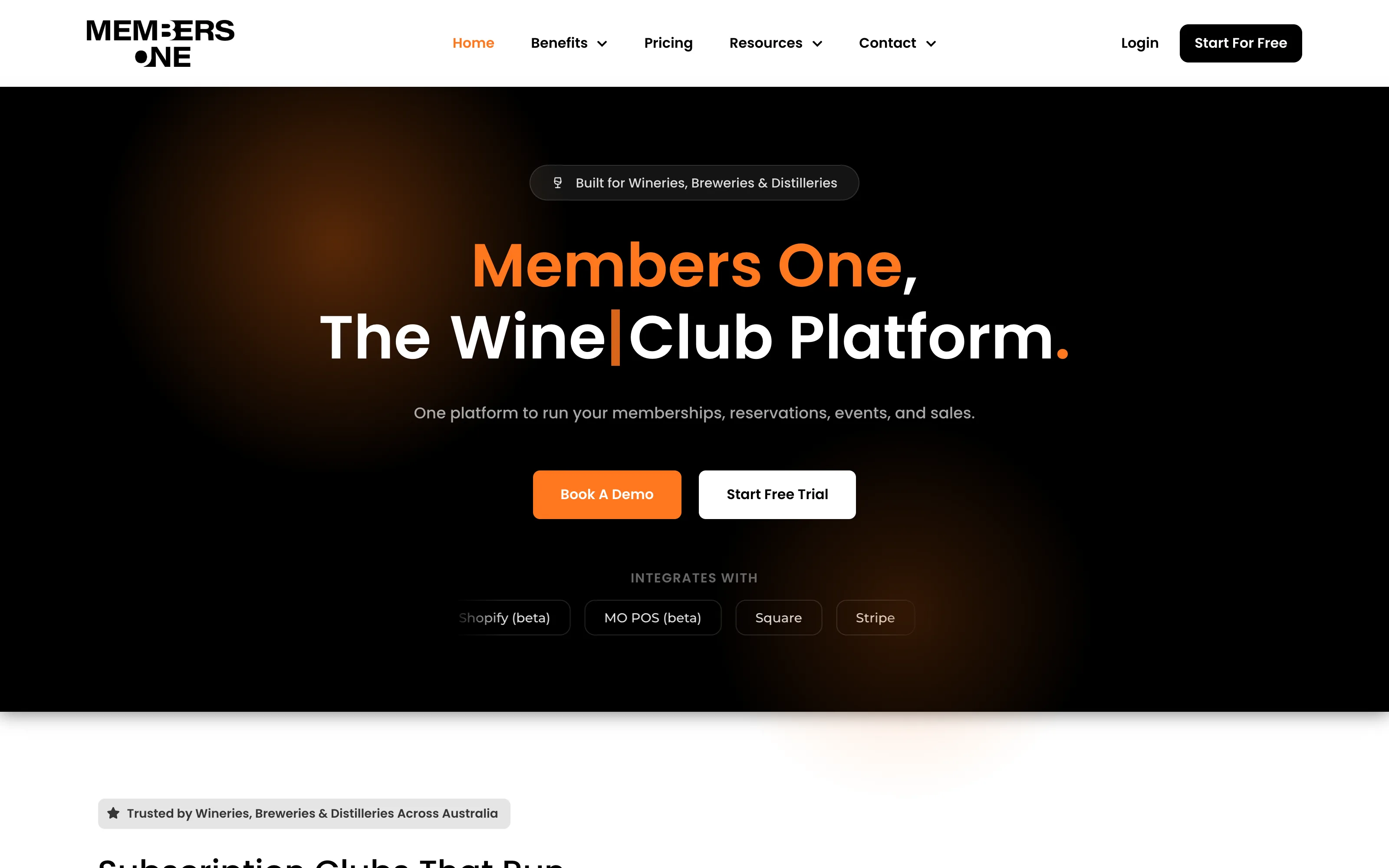
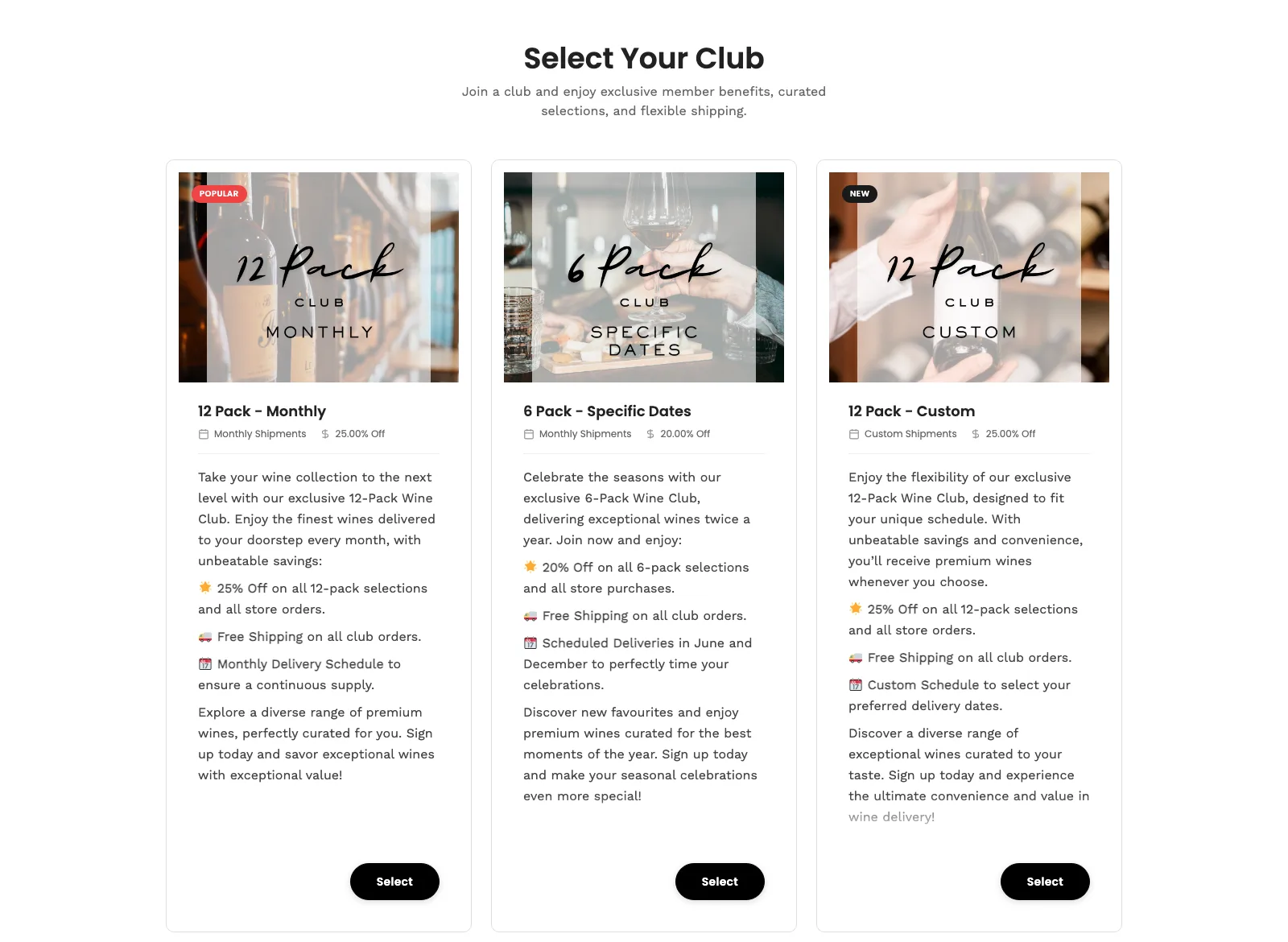
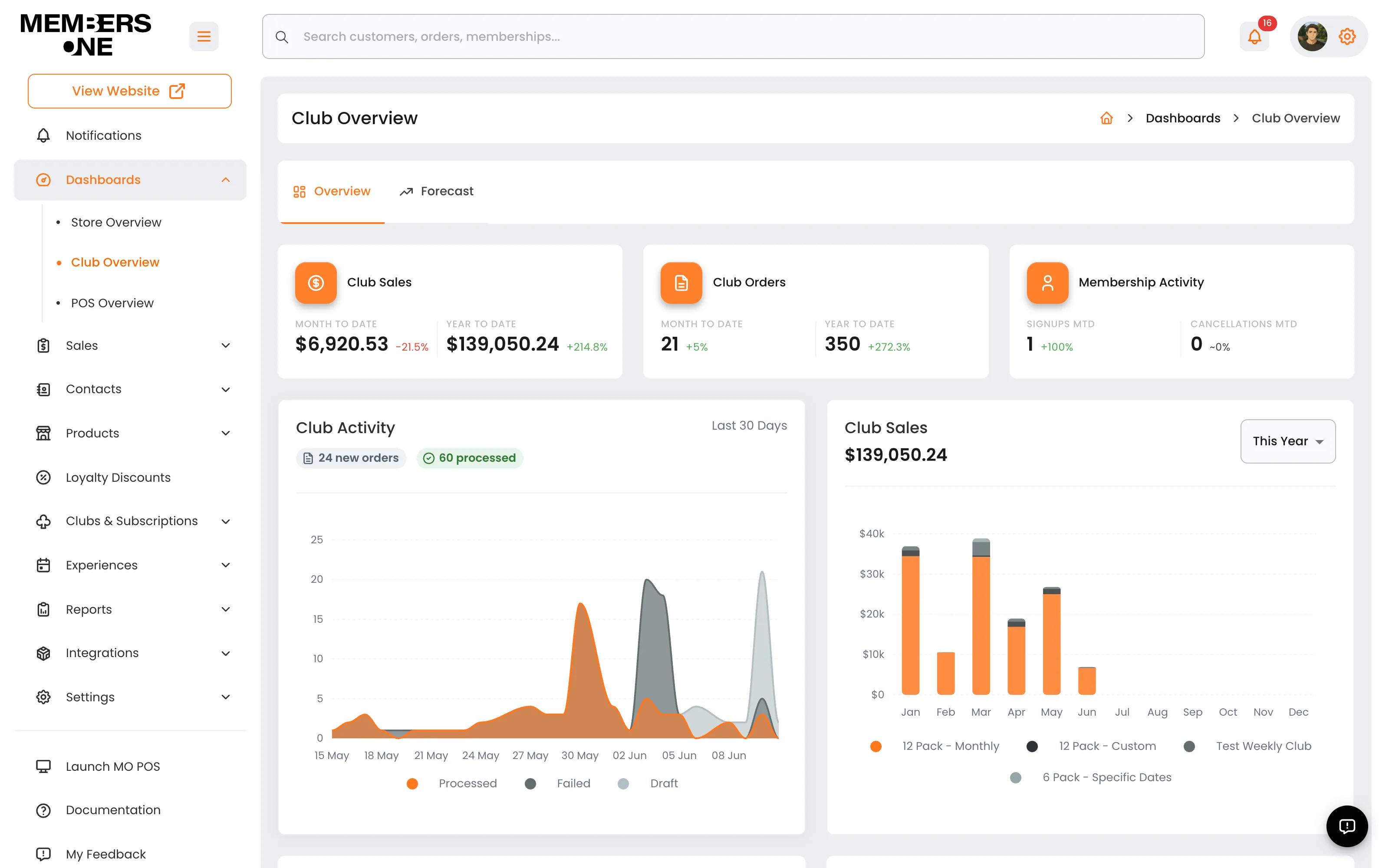
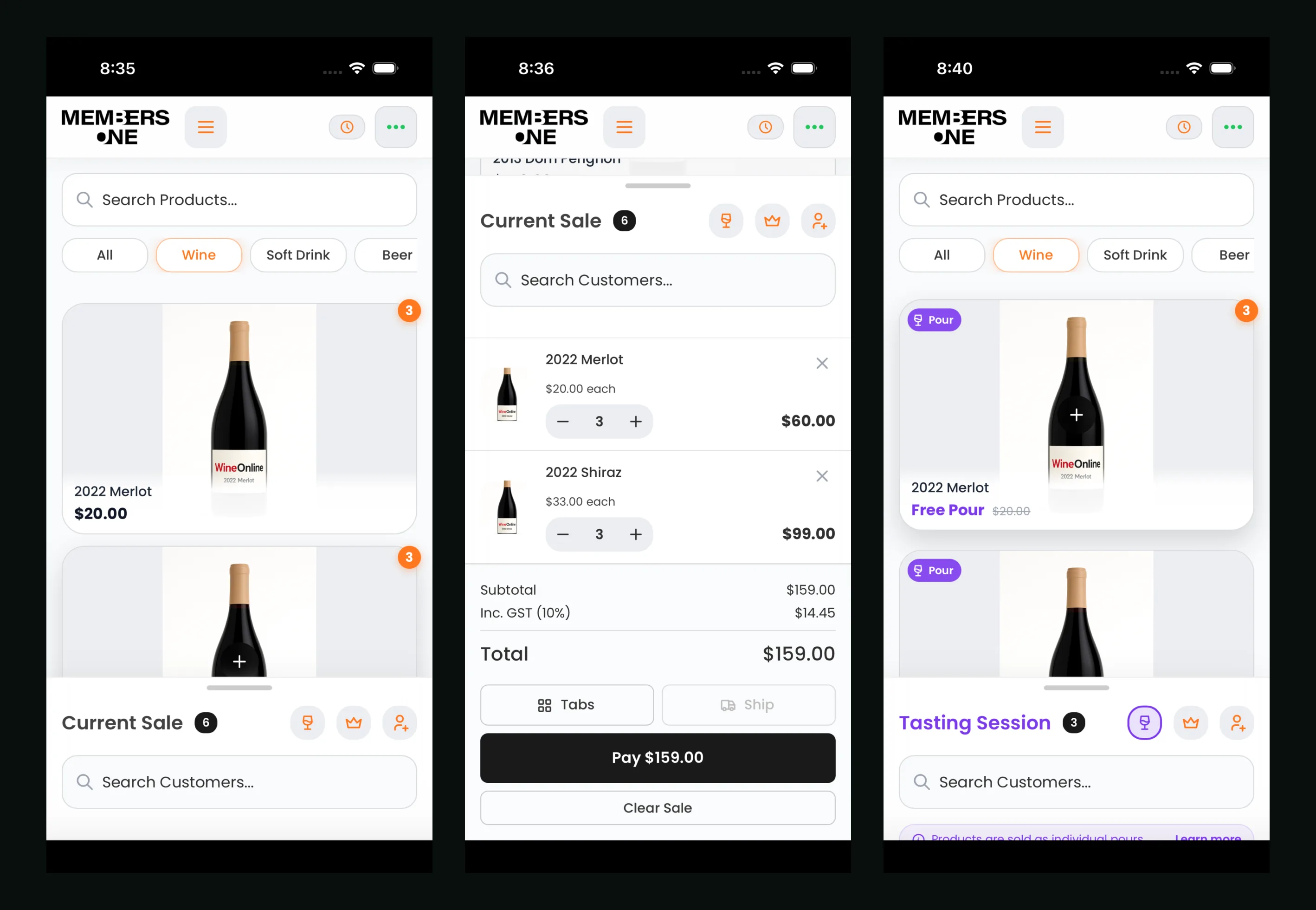
Members One. A membership platform six wineries rely on, running with Microsoft 365 email on infrastructure we manage. When email carries billing receipts and club notices, it does not get to have a bad week. read the case study
// how it works
How it works.
A straight conversation
Tell us where your email lives now and what is annoying you: the address, the spam, the syncing, the mystery licences. You get a plan and the numbers in writing before anything moves.
Planned and quoted
We map what exists, plan the move so mail keeps flowing, and put the migration in a fixed quote. No surprises mid-move.
Cutover with mail preserved
Mail, contacts and calendars come across, phones and laptops get signed in, and we watch the first days closely. Nothing important gets left on the old system.
Managed from then on
Licensing, security and the day-to-day handled for a flat monthly amount. When something is off, you call one local number and it gets fixed.
// no hourly surprises. fixed quotes, in writing, before any commitment.
// faq
Questions, answered straight.
How much does business email cost?
A flat monthly amount agreed up front, covering the Microsoft 365 licences and our management of them, sized to how many people you have and what you need. Migrations are a separate fixed quote in writing. No hourly billing, and no licences on the bill that nobody is using.
Will we lose emails when we move?
The migration is planned so existing mail, contacts and calendars come across and mail keeps flowing during the change. We will not pretend a move is invisible, but we plan it so nothing important is lost, and we check everything is across before the old system gets switched off.
Can you move us from Gmail or Google Workspace?
Yes. Gmail, Google Workspace, Outlook.com, cPanel webmail and old providers are all standard starting points. If you are still on an @gmail.com address, we set up email on your own domain and bring your history across. Either way we handle the move end to end, including every phone and laptop.
Do we need Microsoft 365 or is cheap email hosting fine?
Cheap webmail can be fine for one person with light needs, and we will say so if that is you. The trade-offs show up as a team grows: spam handling, syncing across devices, shared calendars and shared files are where cPanel-style mail struggles and Microsoft 365 earns its keep. We charge for the management either way, so you get the honest answer.
Can you set up our phones and laptops?
Yes, device setup is part of the job, not an extra. Every phone and laptop gets signed in with mail, calendars and files syncing, and when someone new starts or a device gets replaced, we set that up too. If something stops syncing later, that is what the support number is for.
Can you handle our website and domain too?
Yes, and it is usually simpler that way. We can run your domain, DNS, website, hosting and email under the same roof, which means one bill, one contact, and no vendors blaming each other. If you only want the email sorted, that is fine too.
Want the computers, network and backups handled by the same people?
it support in adelaide